Codes
Active Navy War Roblox codes for free Gems, with case-sensitive strings and Shop redemption notes for September 2026.
View all CodesWorking Roblox codes, ship tiers, and fleet guides for Navy War.
Unofficial Navy War Roblox wiki covering working codes, ship tiers, fleet builds, and PvP tips to grow your navy faster.
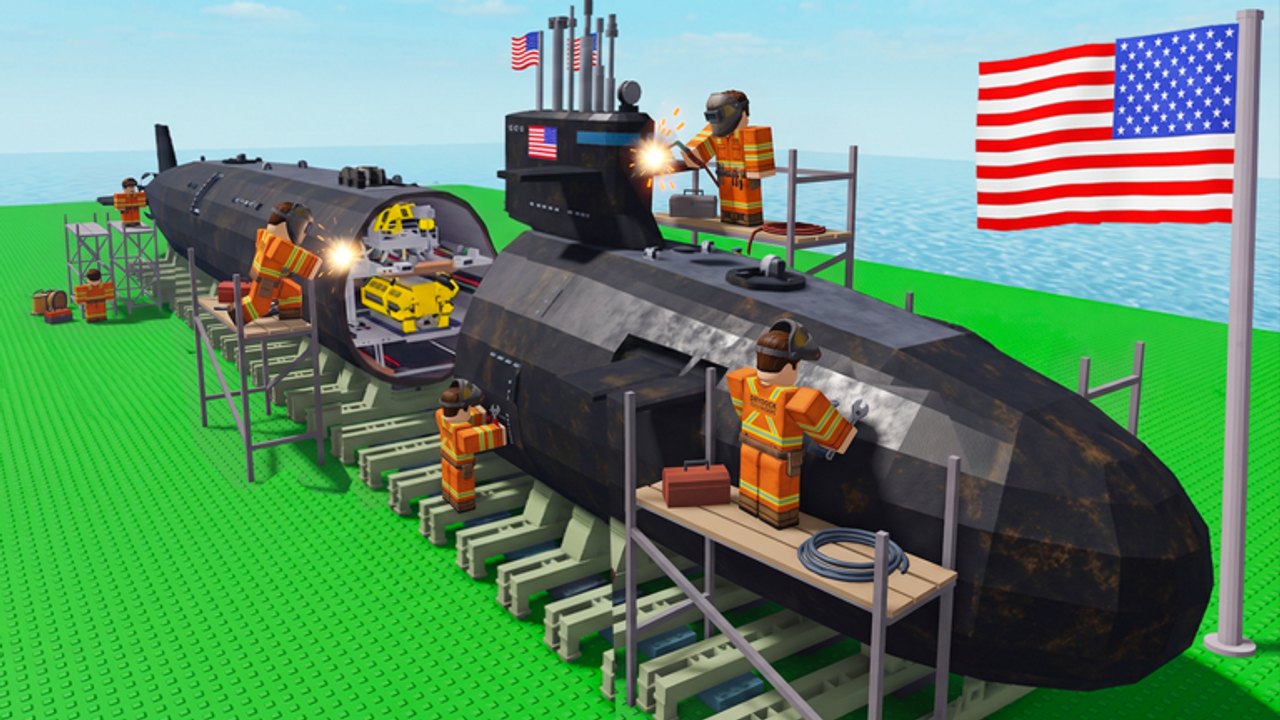
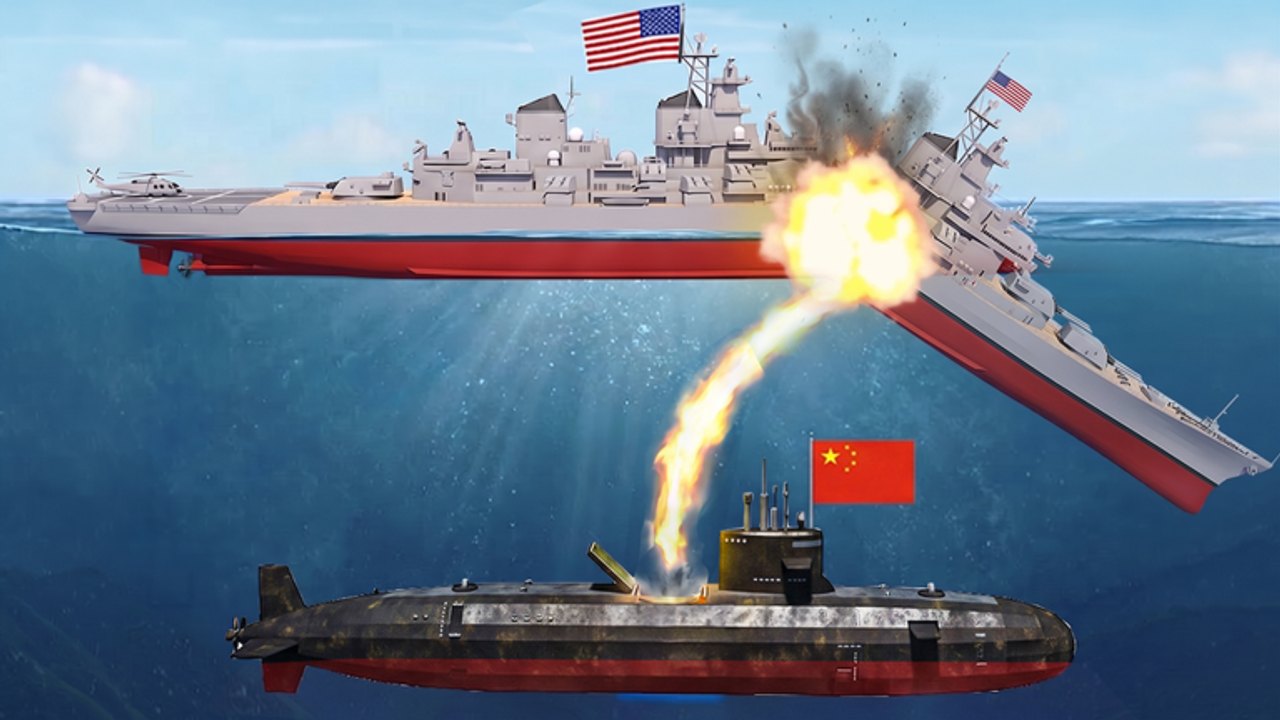
Navy War is a Roblox strategy game from Parabola MMOVEMENT. You raise a naval base, grow an economy, upgrade docks, shipyards, and factories, then unlock Destroyers, Cruisers, Battleships, Submarines, and Aircraft Carriers to fight other players on six-person servers. Start with the beginner guide, claim working codes, and check the ship tier list before you dump Gems into the wrong hull.
Active Navy War Roblox codes for free Gems, with case-sensitive strings and Shop redemption notes for September 2026.
View all CodesNavy War Roblox guides hub: beginner walkthrough, how to play, economy, Gems, and six-player PvP checklists for fleets.
View all GuidesNavy War Roblox tier list hub ranking ship classes and base buildings for six-player PvP and economy play today.
View all Tier ListNavy War Roblox ships hub covering warship classes, base buildings, and how the official fleet ladder unlocks in PvP.
View all ShipsNavy War Roblox updates hub tracking the May 2026 launch, the August UPD banner, and what to do after patches.
View all UpdatesNavy War Roblox scripts hub: no verified working scripts for this game, plus how to avoid Tycoon and Warfare loaders.
View all ScriptsNavy War Roblox tools hub: fleet planner, Gem spend order, and session checklists for six-player oceans today.
View all ToolsOfficial Navy War Roblox links: game page, Parabola MMOVEMENT group, Fleet HQ Discord, and why no Trello exists.
View all LinksOpen the official place, wait for the island to load, then favorite the game so you can return after a wipe or patch.
Open Shop on the left, scroll to Enter Code, and claim KRAKEN, ADMIRALS, and DIAMONDZ before they expire.
Follow the getting started guide and grow income before you spam expensive hulls.
Use the ship tier list so Gems go into hulls that actually win six-player oceans.
Read the PvP guide and the fleet planner before you contest islands.
Quick answers to the most common Navy War questions.
Read the Getting Started guide, redeem codes for Gems, then check the tier list before you buy hulls.
An unofficial fan wiki for Navy War on Roblox. We track codes, ship classes, base buildings, and PvP habits for Parabola MMOVEMENT's strategy game — not Navy War Tycoon and not the mobile Navy War title.
No. Confirm codes and patches on the Roblox game page, the Parabola MMOVEMENT group, and the Fleet HQ Discord.
English, French, German, Spanish, and Brazilian Portuguese. The three legal pages stay in English for every locale.
Launch the game, tap Shop on the left, scroll to the bottom, paste a code into Enter Code, then hit Redeem. Full steps live on how to redeem.
No verified Trello is linked from the Roblox page or the developer group. Use the links hub for Discord, the group, and the live place.
Redeem Navy War codes, follow the getting started guide, and use the fleet planner so your next session actually moves the front.
Start with the beginner guide