Navy War Controls
How the HUD, Shop, and fleet actually take input on PC and mobile.
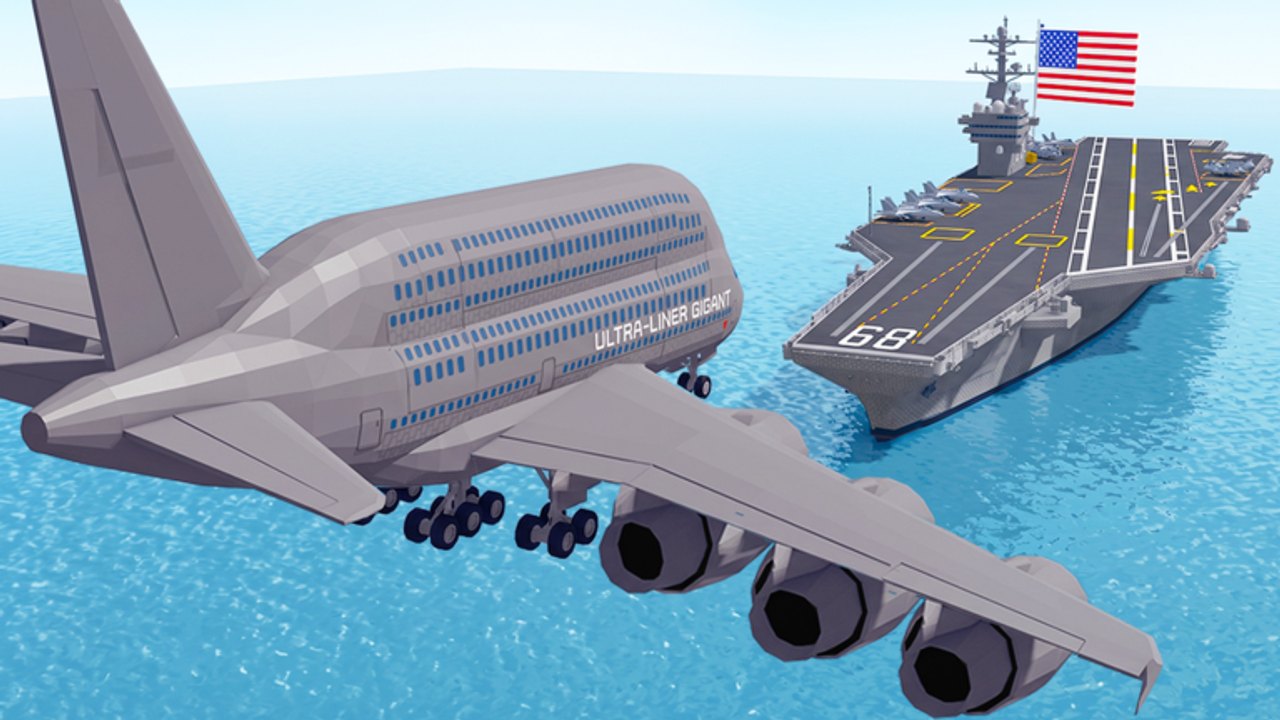
Navy War is a Roblox strategy game, not a first-person Naval Warfare shooter. You will not find a published keybind bible from Parabola MMOVEMENT. What you get is an R15 avatar on a personal yard, click-to-manage buildings, a left-side Shop, and a six-player ocean. This page is the control map we can verify from the live place and from the same Shop path used to redeem codes. If a YouTube clip shows WASD-captain seats on a WW2 battleship, it is the wrong game. Start from Getting Started if you have not walked the base yet.
What the live place actually gives you
The experience is tagged Strategy, uses R15, and caps servers at six. Voice chat is listed as not supported. Camera is listed as not supported. That means you coordinate with Roblox text or the Fleet HQ Discord on the links hub, not with an in-experience mic.
Around the base, expect standard Roblox movement: walk the docks, look at factories, stand near the shipyard. The important loop is not parkour. It is selecting buildings and hulls, then confirming upgrades. If a control feels missing, open the in-experience Settings before you hunt a Naval Warfare Remastered bind list.
Shop, codes, and the left HUD
Shop lives on the left side of the screen on PC and mobile. That is the same panel used for Gem packs and for the Enter Code box at the bottom. Full redeem steps sit on how to redeem. Do not look for a Twitter bird, a Codes tab, or a browser redeem. Those belong to other navy titles.
On phones, scroll the Shop until Redeem is fully visible. Landscape helps. Autocorrect will ruin KRAKEN, ADMIRALS, and DIAMONDZ. Paste, do not type.
Buildings and the click loop
Factories, docks, and shipyards are the three named upgrade families. You select them on the island, confirm the rank, and watch income or capacity change. Details live on the base roster and the economy guide. If you cannot tap a building, you are probably still in the load splash or zoomed too far out. Wait for the HUD, then try again.
A useful habit: after every upgrade, leave the menu fully and confirm the number moved. Some Roblox shops paint a success toast if you close during the request. That is cheaper to check than to assume a factory rank landed.
Fleet sorties
Once a Destroyer exists, you send it with whatever launch control the live HUD exposes. There is no public official list of hotkeys for “home guard” versus “island contest.” Treat the PvP guide as the job list and the HUD as the button that starts the job. Keep one cheap hull at the dock. Empty harbors are how six-player lobbies steal sessions.
Unlock order still follows warships: Destroyer, Cruiser, then Submarine or Battleship, Aircraft Carrier last. Controls do not replace that ladder. A carrier you cannot steer home is still a donation.
PC versus mobile
- PC: mouse for menus, keyboard for walking the yard, wider Shop so the code box is harder to miss.
- Mobile: thumb the left Shop, scroll to Redeem, use landscape for docks, do not fight with the Shop half-open.
- Both: favorite the place, enable experience notifications, redeem codes before the first fight.
If a friend is on PC and you are on a phone, you can still share a six-player server. You cannot share voice inside the place. Use Discord or text. The fleet planner is easier to keep on a second screen on PC and on a notes app on mobile.
What not to copy from other games
Naval Warfare uses captain seats, gamepass carriers, and 60-player chaos. Navy War Tycoon uses nation flags and oil-rig captures. Their keybinds will not spawn your factories. Their YouTube thumbnails will outrank this title for months. Bookmark navywars.wiki, open Settings in this place, and ignore the rest.
When an update adds a named bind, it will land here. Until then, Shop left, buildings on the island, hulls from the dock, codes before combat. That is the whole control sheet.
Frequently Asked Questions
Quick answers to the most common Navy War questions.
Where is the Navy War code box?
Shop on the left, at the bottom, in Enter Code. See how to redeem.
Does Navy War have a published keybind list?
No official bind bible is posted on the Roblox page. Use in-experience Settings plus this HUD map.
Can I use voice chat?
The live place lists voice chat as not supported. Use Discord or Roblox text.
Are mobile controls different?
The Shop path is the same. Scroll until Redeem is visible and paste codes to beat autocorrect.